You already know which channel the game is on. What you want now is a setup that just works when the anthem ends. This checklist covers everything that makes Leafs games on IPTV feel better than cable ever did, from the streaming stick behind the TV to the screens in a basement rec room. Go through it once and every game night after that is one click.
1. Choose the Right Device for Leafs Games on IPTV
Your main TV deserves your best device. IPTV North works on:
- Fire TV Stick (a 4K model is ideal for the living room)
- Android TV boxes and Smart TVs
- Apple TV, iPhone and iPad
- Windows and Mac computers
- MAG, BuzzTV and Formuler boxes
- Roku, through a workaround
Install a player such as TiviMate or IPTV Smarters, then sign in with the details from your welcome email. Each device has its own walkthrough in the installation guide.
2. Prepare Your Internet Connection
Hockey punishes a weak connection more than any other sport. Before the season, check these points:
- Speed: about 10 Mbps steady for HD, 25 Mbps or more for 4K. Test it at speedtest.net.
- Wiring: plug the TV device into the router with Ethernet if you can.
- Wi-Fi: otherwise, connect to the 5 GHz band, not 2.4 GHz.
- Household load: pause big downloads and cloud backups during the game.
Whether you're on Rogers, Bell or a smaller provider, a stable line matters more than a big headline speed. If you still see stutters, our buffering fix guide goes step by step.
3. Organize the Program Guide (EPG)
The program guide is your game-night map. Spend five minutes on it:
- Create a Leafs Favourites group with Sportsnet Ontario, TSN4, Sportsnet, Sportsnet 360, Sportsnet ONE and CBC.
- Refresh the EPG so tonight's listings are up to date.
- Use reminders if your player offers them, so a 7 p.m. start doesn't sneak up on you.
4. Use Catch-Up for Late Starts
Stuck on the Gardiner during the first period? Many channels in IPTV North support catch-up, which lets you open recently aired programs from the guide. It's perfect for replaying a first period you missed or rewatching a big goal. The on-demand library of 120,000+ movies and series also covers the quiet nights between games.
5. Plan Your Multi-Screen Setup
A basement full of friends or a small sports bar often wants more than one screen:
- One plan = one device. Each IPTV North plan covers one connection, so every extra screen showing a different stream needs its own subscription.
- Same game, several TVs? Use an HDMI splitter from a single device to mirror one feed on two TVs.
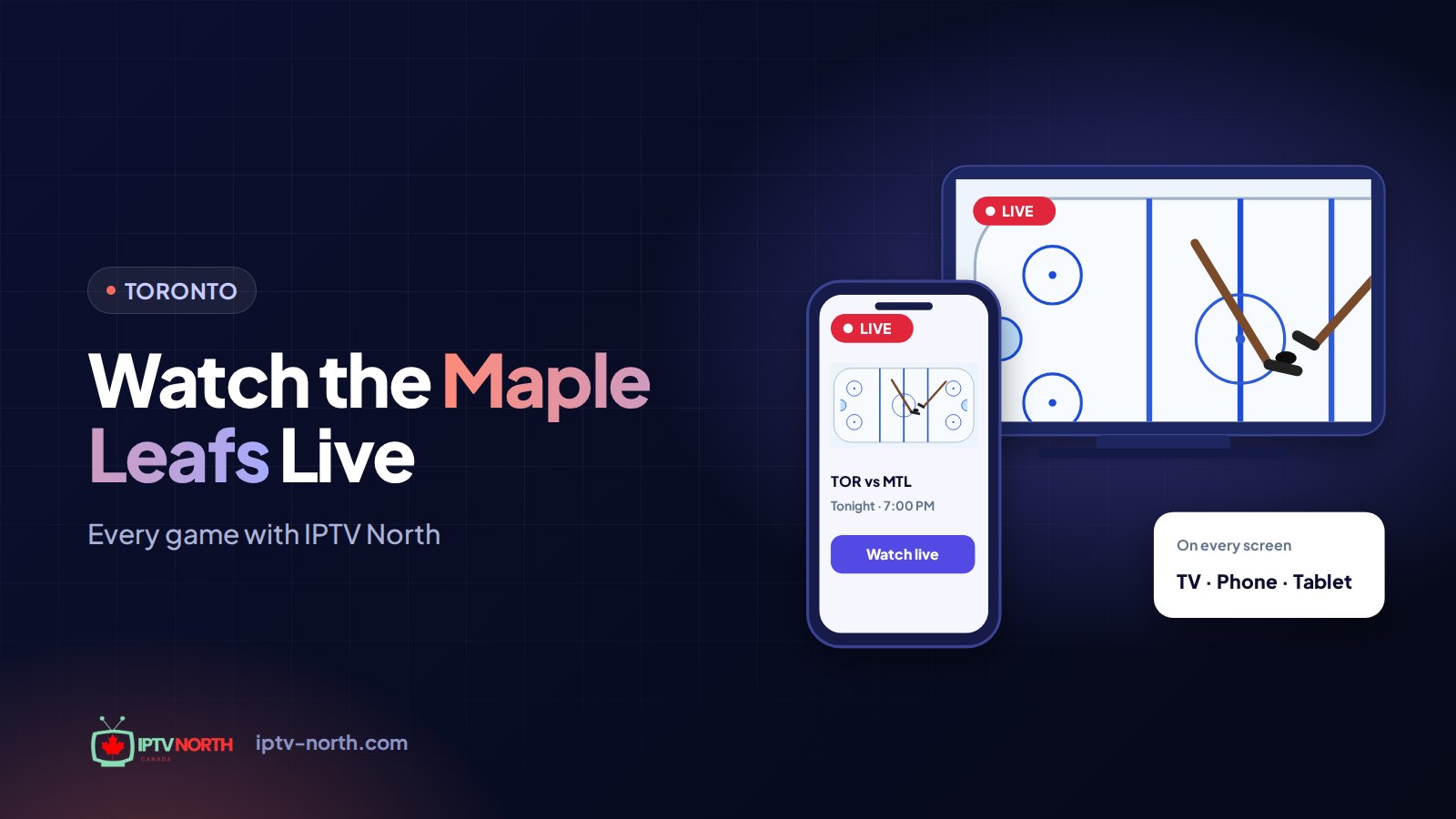
- Tracking rivals: put the Leafs on the main TV and the Ottawa or Montreal game on a tablet with a second plan.
For businesses with several screens, contact our team through the contact page to find the right setup.
6. Pick a Plan and Pay Your Way
All plans are in CAD, with no contract: 1 month $19, 3 months $29, 6 months $49, 12 months $79. Every plan includes 25,000+ live channels in HD and 4K. You can pay by Interac e-Transfer, and support is available 24/7 by chat or at service@iptv-north.com. Details are on the pricing page.
Frequently Asked Questions
Can I test Leafs games on IPTV before paying?
Yes. IPTV North offers a 24-hour trial for $2.99, paid by Interac e-Transfer. Use it on a game night to check your device and connection.
What's the best device for Leafs games?
A Fire TV Stick 4K or an Android TV box on a wired connection gives the most consistent picture for fast hockey action.
Can I watch on two TVs at once?
Each plan covers one device. To show different streams on two TVs at the same time, you need a second plan; to mirror the same game, an HDMI splitter works.
What if the stream freezes during the third period?
Switch to another channel carrying the same broadcast, such as a Sportsnet simulcast, then check your Wi-Fi band or cable. Support is available 24/7 if the problem continues.
Ready for Leafs Games on IPTV?
With the right device, a steady connection, a tidy guide and a plan for extra screens, Leafs games on IPTV run smoothly from puck drop to the final buzzer. Start with the $2.99 24-hour trial and test your setup before the next game.