Picture a townhouse in Guelph on a Thursday night in February. Dad grew up in Laval and bleeds bleu-blanc-rouge. His daughter moved back from Edmonton wearing an Oilers jersey. The roommate in the basement is from Brandon and will not miss a Jets game. Three teams, three different channels, and all three games start within ninety minutes of each other.
If that sounds like your living room, this article is for you. Rather than walking through each team's broadcaster (our team-by-team channel guide does that), we focus on the practical side of following all Canadian NHL teams on one subscription: juggling overlapping games, understanding blackouts, getting through the playoffs, sharing screens, and checking whether the numbers beat a cable sports package.
Why All Canadian NHL Teams on One Subscription Beats a Patchwork
Most hockey homes end up with a messy mix: a cable box for the main TV, a streaming app for one network, a second app for another, and a group chat asking "what channel is it on?" every night. Each piece covers part of the schedule, and the gaps always seem to land on the game you care about most.
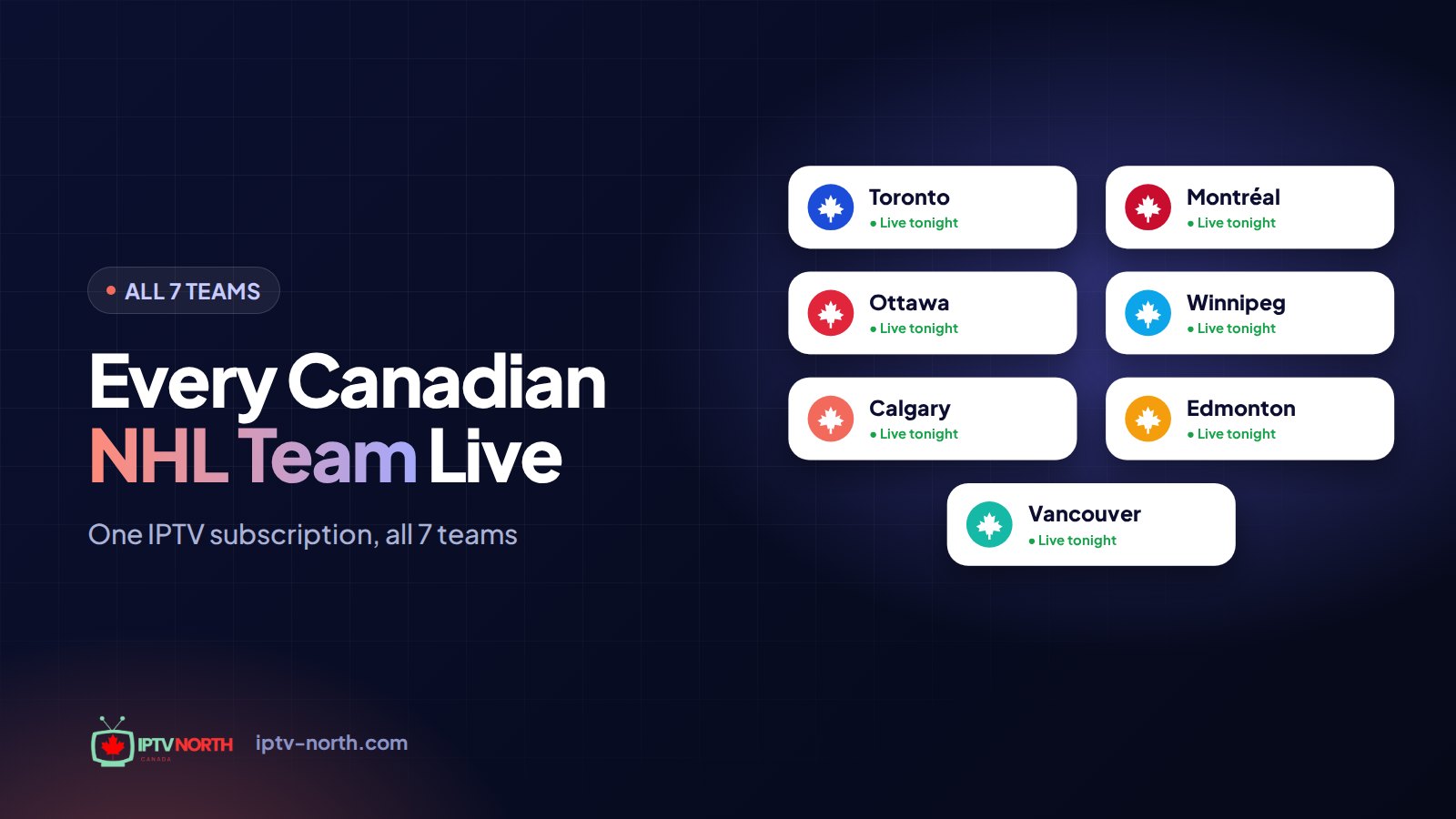
Putting everything under one IPTV North login fixes the root problem. TSN1 through TSN5, every Sportsnet regional feed, CBC, RDS, RDS2, Radio-Canada and TVA Sports all live in the same channel list. So instead of asking which service has the game, you only ask which channel.
What changes day to day:
- One app to learn for everyone in the house, from the teenager to the grandparent.
- One program guide showing every Canadian game on the same grid.
- One bill, with no contract and no equipment rental.
- Both official languages, so the Francophone and Anglophone fans in the same family can each hear their preferred call.
The lineup is also much wider than hockey. The same subscription brings 25,000+ live channels and 120,000+ movies and series, so the non-hockey fans in the house are covered too.
When Games Overlap: Surviving a Packed Hockey Night
Tuesdays, Thursdays and Saturdays are the crunch nights. With seven Canadian clubs, it is common to see four or five of them in action at once, and the schedule tends to cluster in two waves.
The Eastern Wave (around 7 p.m. ET)
Leafs, Canadiens and Senators games usually start first. In a multi-team household, this is the moment to decide who gets the big screen. A simple house rule helps: the game with the bigger stakes, like a divisional rival or a tight wild-card race, takes the main TV, and the others move to a tablet, laptop or second TV.
The Western Wave (9 p.m. to 10 p.m. ET)
Jets, Flames, Oilers and Canucks games follow, often just as the Eastern games reach the third period. This overlap is where fans miss the most goals. Two tricks keep you on top of it:
- Use the program guide as a scoreboard. Keep the guide open during intermission to see which games are still live and where each one airs.
- Switch during stoppages. Television timeouts and intermissions are your chance to check the other game without missing play.
For fans in Atlantic Canada, the Western wave arrives even later: a 7:30 p.m. Pacific start in Vancouver means 11:30 p.m. in Halifax and midnight in St. John's. Newfoundland Canucks fans are a hardy bunch. If that is you, set a reminder in the guide and keep the TV box awake rather than starting it cold at puck drop.
Picture-in-Picture and Split Screen
Some players and devices support Picture-in-Picture or multi-view. Where your setup allows it, you can keep the Oilers in a corner while the Canadiens fill the screen. Features vary by app and device, so check what yours offers before the busy nights arrive. Our guide to the best IPTV apps for Smart TVs compares the popular options.
NHL Blackouts, Explained in Plain Terms
"Blackout" is one of the most confusing words in Canadian hockey. It usually refers to how broadcast rights are split by region, not to a power failure.
Here is the short version:
- Regional rights. Each Canadian team has local broadcasters that hold the rights to show its games in a defined home region. The Canucks on Sportsnet Pacific or the Jets on TSN3 are good examples.
- National rights. Selected games, such as Saturday nights on CBC or big rivalry games, are shown across the whole country.
- The gap. On traditional cable, the regional feeds your package includes depend on where you live and which tier you pay for. A Flames fan in Nova Scotia or a Senators fan in Kelowna can find that their team's regional game is simply not in their lineup. Standalone streaming apps often follow similar regional rules.
Because the IPTV North lineup includes the regional TSN and Sportsnet feeds from across the country, you can find the channel carrying your team's game in the list instead of hunting for a workaround. As always, how you use any service should respect the content rules that apply where you live. For a neutral overview of the technology, see how IPTV works in Canada and what makes it legal.
When Rivalries Split the Living Room
The toughest nights in a multi-team home are not the overlaps. They are the nights when two of your household's teams play each other. Three matchups in particular can turn a quiet condo into a debate club.
The Battle of Alberta
When the Flames and Oilers meet, the game often airs on Sportsnet West, Sportsnet 360 and TSN3 at once. In a house with fans on both sides, try this: one person picks the feed for the first period, the other picks for the second, and the third period goes to whoever is losing. It sounds silly, but it keeps the peace, and each broadcast offers slightly different angles and analysis.
The Battle of Ontario
Leafs versus Senators is a bragging-rights game for Ontario families split between Toronto and Ottawa. If one fan prefers English and the other has grown up with RDS in the Ottawa Valley, the dual-language coverage lets each follow their own call on separate screens.
Canadiens versus Maple Leafs
The oldest rivalry in the league is usually available in both official languages at the same time, on RDS and on an English national feed. For bilingual families, this is the one night a year when the whole house might actually watch the same game, just with two different broadcasts.
A Season in the Life of a Multi-Team Fan
Following several teams is a marathon from October to June. Knowing the rhythm of the season helps you plan your viewing and your subscription.
- October and November: schedules settle, and the program guide becomes your best friend. This is the time to build favourites groups and test your home network before the big games.
- December and January: winter storms from the Prairies to the Maritimes keep more people indoors, and busy weekend schedules mean more overlapping Canadian games. A reliable wired connection earns its keep here.
- February and March: the playoff race heats up and trade-deadline talk fills the sports channels. Keep an eye on standings so you know which games matter most for your teams.
- April: the regular season wraps up, often with several Canadian clubs fighting for the last spots. Many fans choose a 3-month plan at this point to cover the stretch run and the playoffs.
- May and June: if a Canadian team makes a deep run, the whole country tunes in, and fans of eliminated teams often adopt a new favourite for the spring.
Because there is no contract, you can match your plan to the part of the season that matters to you, or simply take the 12-month plan and stop thinking about it.
Playoff Season: April to June Without the Stress
The playoffs are where multi-team homes feel the most pressure. With several Canadian clubs possibly alive in the first round, overlapping games become the norm, and every one of them matters.
A few ways to prepare:
- Build a "Playoffs" favourites group in March with CBC, the national Sportsnet feed, TSN channels, RDS and TVA Sports. Playoff broadcasts in Canada stay on these networks.
- Refresh the program guide after each round, since game times and channels are often confirmed only a day or two in advance.
- Restart your device and router an hour before an elimination game, and clear the app cache if it has been a while. A clean start reduces hiccups on the biggest nights.
- Go wired on the main TV. An Ethernet adapter for a Fire TV Stick is a small purchase that pays off during a double-overtime Game 7.
If your team is eliminated early, keep the group anyway. Following another Canadian club's run is part of the fun, and it is all in the same subscription.
Missed the Late Game? Catching Up the Next Morning
In a multi-team house, somebody always loses the scheduling battle. The Canucks fan with an early shift cannot stay up for a 10 p.m. Eastern puck drop, and the parent driving to a 6 a.m. minor-hockey practice in Sherbrooke will not see the third period of the Habs game either.
On channels that support catch-up, the program guide lets you scroll back to a broadcast that already aired and play it from the start. It is the closest thing to a family recording box without anyone fighting over storage space. Our IPTV EPG guide shows exactly how to open past listings in TiviMate and IPTV Smarters.
Some simple house rules keep the replay useful:
- Agree on a "no spoilers at breakfast" policy for whoever is watching later.
- Mute score notifications on phones until the replay is done.
- If catch-up is not available on a given channel, look for the highlights and post-game shows on the national sports networks instead.
Screens and Connections in a Hockey Household
Every IPTV North plan is built for one device at a time. That is ideal for a single fan or a couple sharing the living room TV. In a busy household where two people want to watch two different games on two screens at the same moment, the simplest approach is a second subscription for the second screen. Our support team can help you choose the right setup; reach them 24/7 by chat or at service@iptv-north.com.
Supported devices include Fire TV Stick, Android TV, Smart TVs, iPhone and iPad, Apple TV, Windows and Mac computers, MAG, BuzzTV and Formuler boxes, and Roku through a workaround.
 LG
LG Roku
Roku Samsung
 Apple TV
 Chromecast
 Hisense
 Amazon Fire TV
 Android
For home networks, a few habits go a long way on crowded game nights:
- Put the main TV on Ethernet and let phones and tablets use Wi-Fi.
- Pause large downloads and game console updates during the game.
- If streams stutter only in the evening on your Rogers, Bell, Telus or Vidéotron connection, read our VPN for IPTV guide to test whether traffic is being slowed.
Aim for around 10 Mbps of stable bandwidth per Full HD stream and roughly 25 Mbps for 4K.
The Math: All Canadian NHL Teams on One Subscription vs Cable Sports
Let's put real numbers side by side. A regular season plus playoffs runs from October to June, roughly nine months.
| Option | Typical cost | Cost over about 9 months | Covers all 7 Canadian teams | Contract |
|---|---|---|---|---|
| Cable with a full sports package | $100 to $180 per month | $900 to $1,620 | Yes, depending on tier and region | Often multi-year |
| Several single-network streaming apps | Adds up per app | Varies | Partial, with regional and French gaps | Monthly |
| IPTV North, 12-month plan | $79 per year | $79 (covers the full year) | Yes, English and French | None |
Even the IPTV North monthly plan at $19 costs less than a single month of most cable sports tiers. The 3-month ($29) and 6-month ($49) plans sit in between if you want to cover only part of the season.
Select number of devices
1 Month
High Performance Server
$19CAD
≈ $19.00 / month
- 1 Device
- 4K Ultra HD Streaming
- 25,000+ Live Channels
- 120,000+ Movies & TV Shows
- Instant VOD Access
- Smart EPG & Catch-Up TV
- 24/7 Canadian Support
- Multi-Device Compatibility
3 Months
High Performance Server
$29CAD
≈ $9.67 / month
- 1 Device
- 4K Ultra HD Streaming
- 25,000+ Live Channels
- 120,000+ Movies & TV Shows
- Instant VOD Access
- Smart EPG & Catch-Up TV
- 24/7 Canadian Support
- Multi-Device Compatibility
6 Months
High Performance Server
$49CAD
≈ $8.17 / month
- 1 Device
- 4K Ultra HD Streaming
- 25,000+ Live Channels
- 120,000+ Movies & TV Shows
- Instant VOD Access
- Smart EPG & Catch-Up TV
- 24/7 Canadian Support
- Multi-Device Compatibility
12 Months
High Performance Server
$79CAD
≈ $6.58 / month
- 1 Device
- 4K Ultra HD Streaming
- 25,000+ Live Channels
- 120,000+ Movies & TV Shows
- Instant VOD Access
- Smart EPG & Catch-Up TV
- 24/7 Canadian Support
- Multi-Device Compatibility
You can pay by Interac e-Transfer, and there is no contract to cancel at the end of the season. For a wider cost comparison beyond hockey, see IPTV vs cable in Canada.
Setting It Up for the Whole House in One Evening
- Start the 24-hour trial for $2.99 on a night with several Canadian games so you can test overlaps for real. You pay by Interac e-Transfer.
- Install a player on the main TV device. TiviMate and IPTV Smarters are popular choices; the installation guide walks through each device.
- Create one favourites group per fan in the house, plus a shared "National" group.
- Choose your plan once the trial convinces you, and keep your welcome email somewhere safe.
Here is how the Guelph household from the introduction might organise its favourites. Adapt the names and channels to your own mix of teams.
| Favourites group | Who uses it | Channels to add |
|---|---|---|
| Habs | Dad | RDS, RDS2, Radio-Canada, TSN2, TSN5 |
| Oilers | Daughter | Sportsnet West, Sportsnet 360, TSN3 |
| Jets | Roommate | TSN3, Sportsnet West, Sportsnet 360 |
| National | Everyone | CBC, Sportsnet national, TVA Sports |
Notice the overlap: Sportsnet West and TSN3 appear in two groups. That is normal, since Western teams share broadcasters. When the Oilers and Jets play each other, both fans end up on the same channel, and the argument moves from the remote to the scoreboard. If you want more ideas for arranging channels on a big-screen setup, our home streaming setup guide covers remotes, seating and network placement.
Frequently Asked Questions
Can one subscription really cover all Canadian NHL teams?
Yes. The subscription includes the channels that carry Canadian NHL games, from TSN and Sportsnet regional feeds to CBC, RDS, RDS2, Radio-Canada and TVA Sports. You pick the channel for each game from the same list.
Can two people watch two different games at the same time?
Each plan covers one device at a time. If two people want separate games on two screens simultaneously, the easy solution is a second subscription. Contact our support team if you want help choosing.
What does "blackout" mean for Canadian hockey fans?
It usually describes regional broadcast rights: a team's local channel shows its games in a home region, and cable packages elsewhere may not include that feed. With the regional feeds in the IPTV North lineup, you can look up the channel carrying your team's game.
Is IPTV North good for the playoffs?
Playoff games in Canada air on the same networks as the regular season, all of which are in the lineup. Build a playoff favourites group, check the program guide daily and use a wired connection on your main TV for the smoothest experience.
How much can a multi-team household save compared to cable?
A full sports cable package often costs $100 to $180 per month. The 12-month IPTV North plan is $79 for the whole year, with no contract.
Is there a French version of the games for bilingual families?
Yes. RDS, RDS2, Radio-Canada and TVA Sports provide French-language hockey, while TSN, Sportsnet and CBC provide English. Many families switch between them on the same night.
What happens to my subscription when the hockey season ends?
Nothing changes unless you want it to. There is no contract, so you can let a short plan run out in June, or keep watching summer sports like the CFL, Blue Jays baseball and international soccer along with movies and series on the same subscription.
All Canadian NHL Teams, One Subscription, One Happy House
Following several teams used to mean several bills, several apps and constant arguments over the remote. With all Canadian NHL teams on one subscription, the Habs fan, the Oilers fan and the Jets fan can each find their game, in their language, from the same program guide, for less than the cost of one month of many cable sports packages.
Questions about your household setup? Our Canadian team is available through the contact page any time of day.